Global Projects
Global projects allow you to define project-level restrictions (source repositories, destination clusters/namespaces, and cluster resource allow/deny lists) that are automatically inherited by other projects in your Argo CD instance. Any project matching the label selector of a global project will have those restrictions applied on top of its own configuration.
For more details on how global projects work, see the Argo CD Global Projects documentation.
Configuring Global Projects
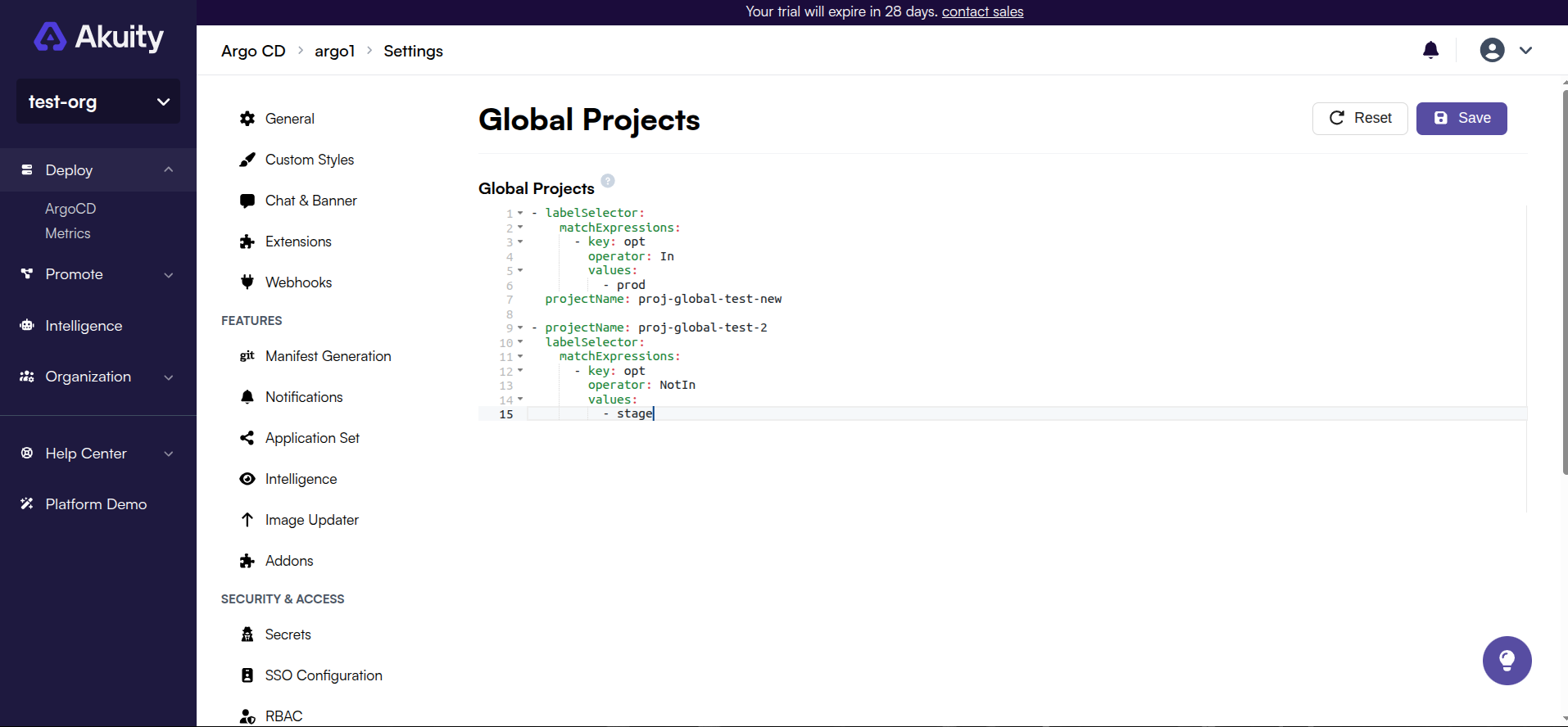
Global project settings are configured using a YAML editor in the Akuity Platform UI.
-
Navigate to Argo CD → your instance → Settings → Global Projects.
-
Enter your global project configuration in the YAML editor. The value is a list of entries, each specifying a
projectName(an existing Argo CD project) and alabelSelectorthat determines which projects inherit its restrictions.- projectName: my-global-projectlabelSelector:matchExpressions:- key: environmentoperator: Invalues:- production -
Click Save to apply the configuration.
Any project whose labels match the labelSelector will inherit the source repo restrictions, destination restrictions, and cluster resource allow/deny lists defined on my-global-project.