External Access
All external access settings can be located by navigating to Kargo → your instance → Settings → External Access.
Custom Domain
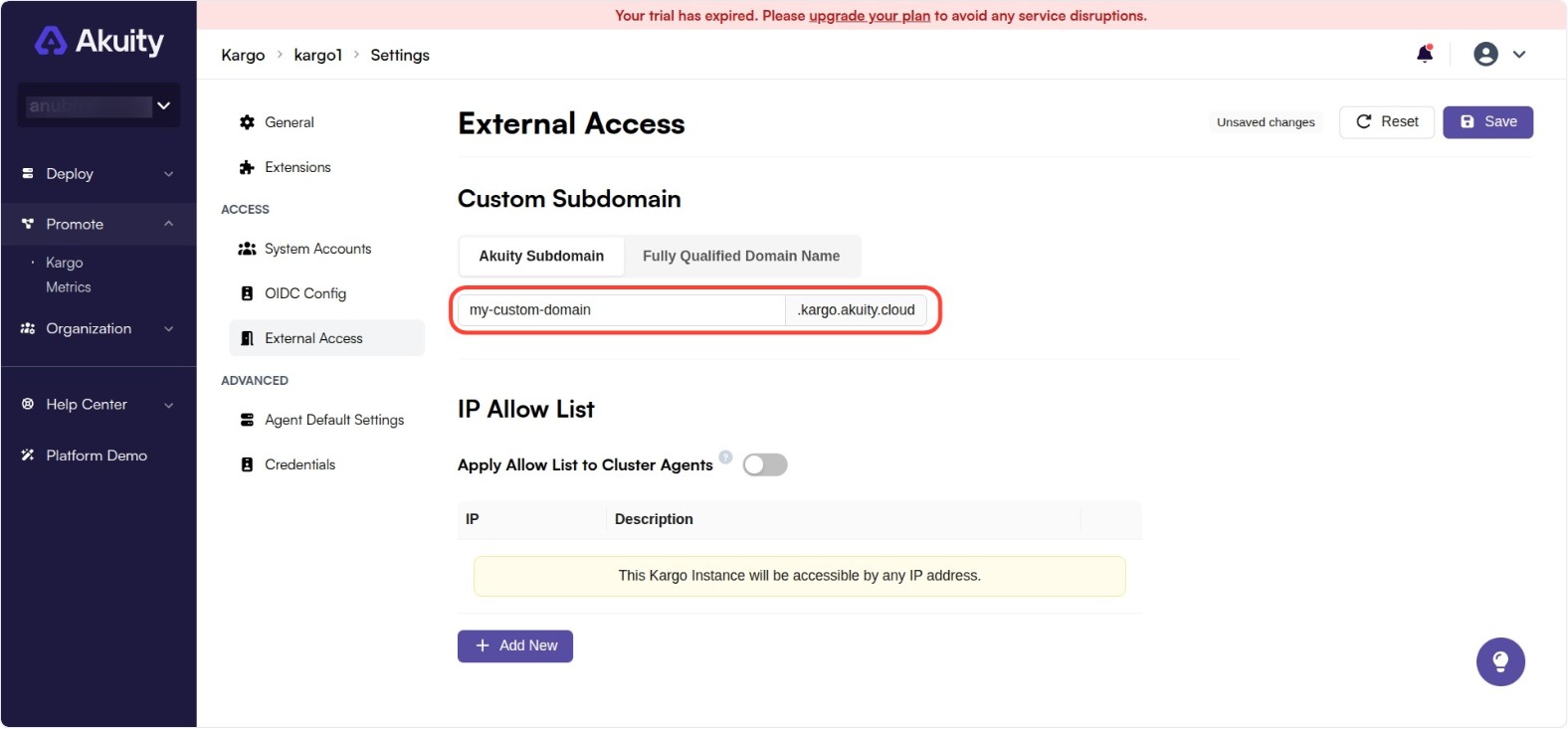
Akuity Subdomain
By default, each Kargo instance's UI will be accessible at <instance id>.kargo.akuity.cloud, however, the Akuity Platform does permit you to set a custom domain prefix for each Kargo Instance.
To customize this:
-
Change the value of the Akuity Subdomain field.
-
Click Save.
Fully Qualified Domain Name
If you have a custom domain that you would like to use, you can set up a CNAME record to point to the Akuity Platform's domain.
To do this:
-
Create a CNAME record in your DNS provider that points to
<instance id>.kargo.akuity.cloud. -
Change the value of the Fully Qualified Domain Name field to your custom domain.
-
Click Save.
IP Allow List
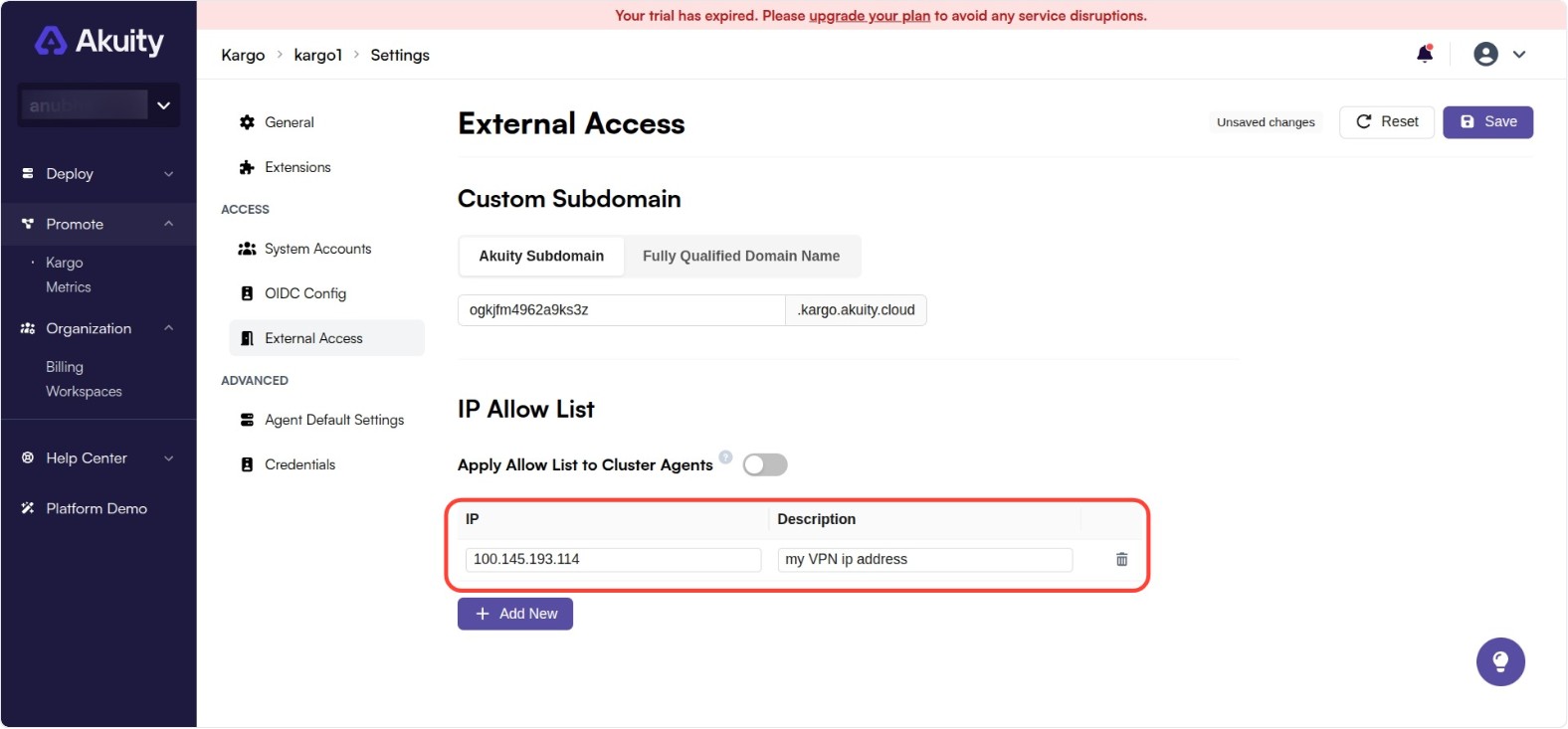
By default, each Kargo instance is accessible by clients with any IP address, however, this can be narrowed to a specific list of IP addresses or CIDR ranges.
To customize this:
-
Under IP Allow List, click + Add New and complete the IP Address and Description (optional) fields.
- Repeat this step as necessary.
-
Click Save.
To restore access from any IP address, simply remove all entries from the list.