Technical Contacts
Technical Contacts are the people in your organization who should be notified of critical communications from Akuity, such as security advisories (CVEs), major updates, and platform changes that require action.
By designating Technical Contacts, you ensure that important notices reach the right people in your organization, even if they are not the organization owner.
The owner role on the Organization is required to manage Technical Contacts. Organization members can view the list but cannot edit it.
By default, an organization owner's email is set as the initial Technical Contact.
Managing Technical Contacts
To manage Technical Contacts for your organization:
-
Click the Organization drop-down on the left navigation menu and click Settings.
-
Click the Contacts tab.
-
Choose email addresses from your organization members, or type any email address. Distribution list addresses are also supported.
-
Click Update to apply the changes.
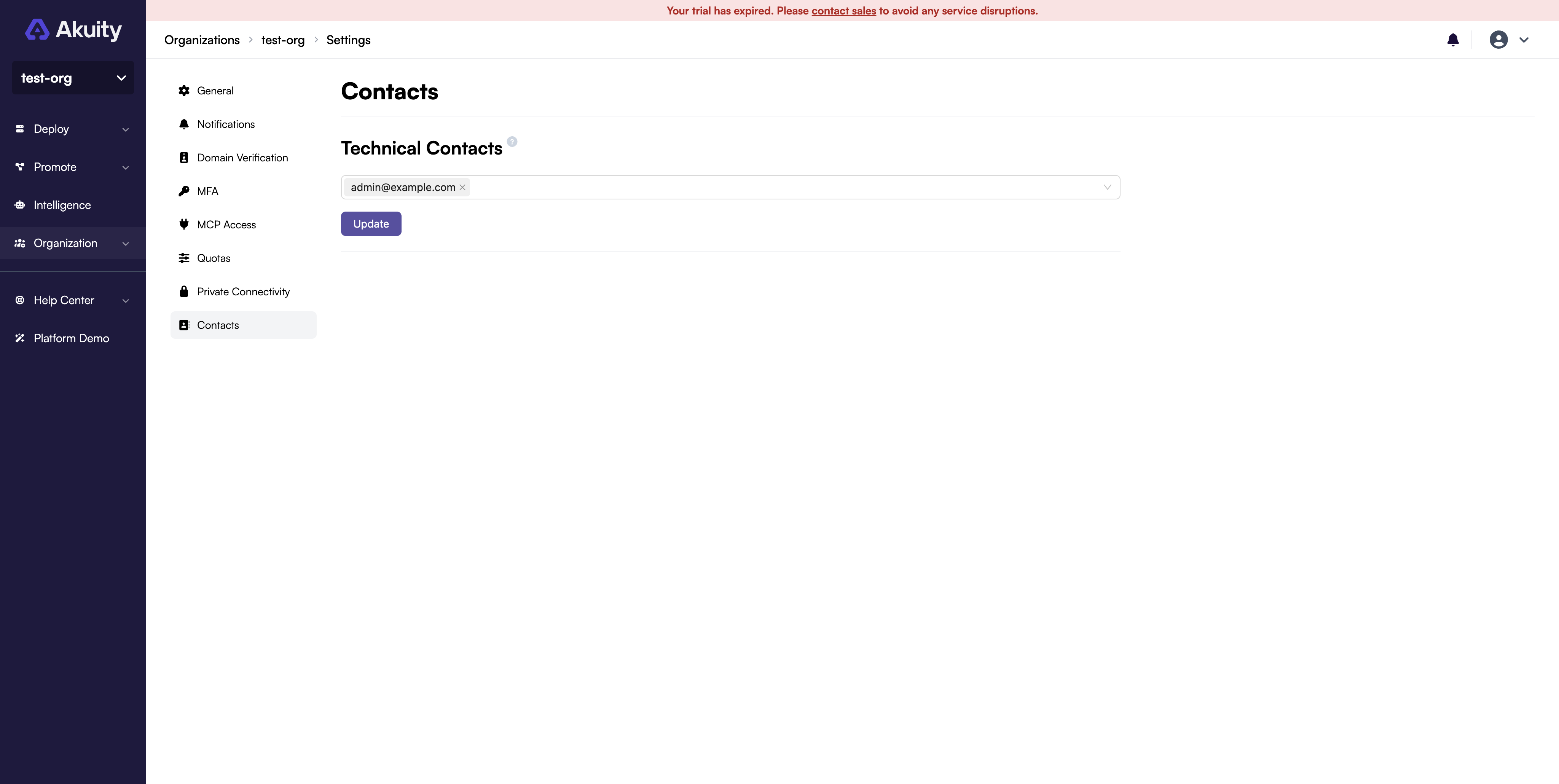
An organization must have at least 1 and can have at most 5 Technical Contacts. Keep the list focused on the people who can act on security and platform notices.