Credentials
Akuity Platform supports configuring system-wide metric provider credentials that are used by Argo Rollouts for progressive delivery and canary deployments.
Supported Metric Providers
The following metric providers can be configured with credentials in the Akuity Platform:
DataDog
DataDog integration allows Argo Rollouts to query metrics from your DataDog monitoring infrastructure during canary analysis.
Configuration Fields:
- Address: The DataDog API endpoint URL (typically
https://api.datadoghq.com/or your region-specific endpoint) - API Key: Your DataDog API key used for authentication
- Application Key: Your DataDog application key for additional API access
New Relic
New Relic integration enables Argo Rollouts to fetch metrics and insights from your New Relic monitoring platform.
Configuration Fields:
- Personal API Key: Your New Relic personal API key for authentication
- Account ID: Your New Relic account ID
- Region: Your New Relic region (US or EU)
- Base URL (REST): New Relic REST API endpoint (e.g.,
https://api.newrelic.com) - Base URL (Nerdgraph): New Relic Nerdgraph API endpoint (e.g.,
https://api.newrelic.com/graphql)
InfluxDB
InfluxDB integration allows Argo Rollouts to query time-series data from your InfluxDB instance.
Configuration Fields:
- Address: The InfluxDB server URL and port (e.g.,
https://influxdb.example.com:8086) - Auth Token: Authentication token for accessing InfluxDB
- Organization: Your InfluxDB organization name
Configuration
To configure metric provider credentials:
-
Navigate to your Kargo instance in the Akuity Platform
-
Go to the Settings tab
-
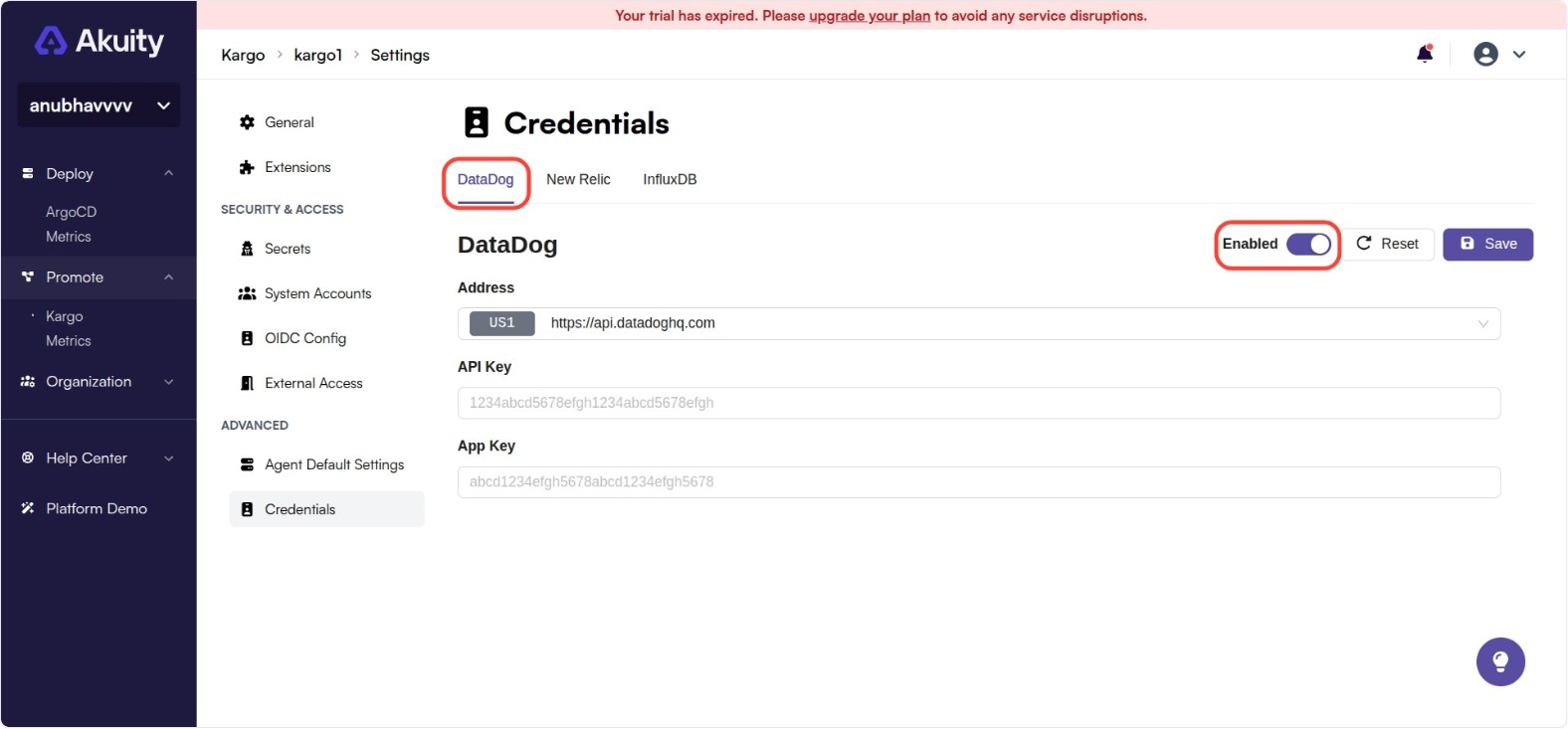
Click on Credentials
-
Select the metric provider you want to configure & Enable it
-
Enter the required credentials and configuration values
-
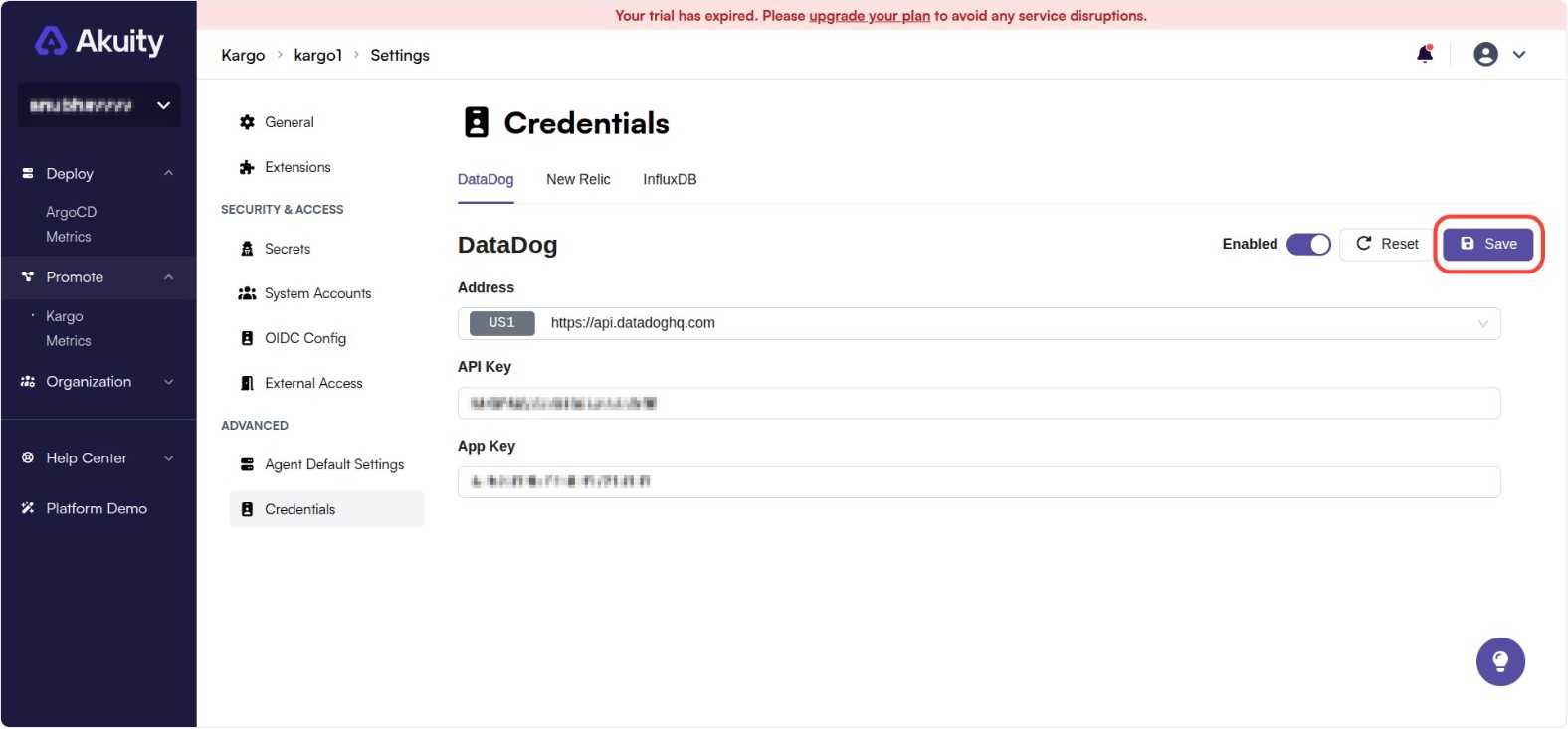
Save the configuration