Credential Rotation
The agent in each managed cluster contains several components which require credentials from the Akuity Platform. You can easily rotate credentials for those from the Akuity Platform.
You can rotate the credentials one at a time.
-
To rotate the credentials of an individual agent, go to your instance → agents tab → click on the three-dot button under Action column → Click on Rotate Credentials → Click on Confirm.
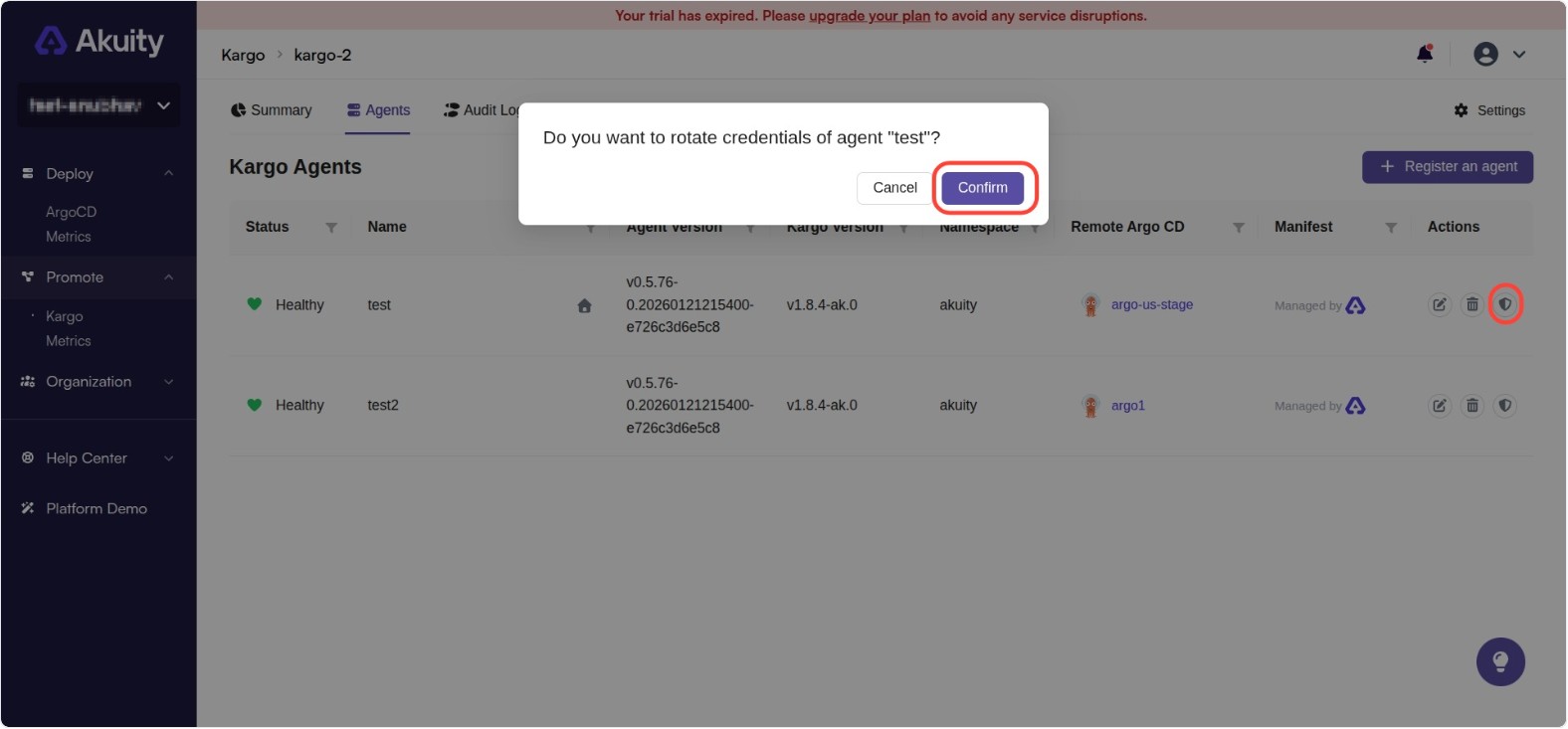
This will trigger an update to the agent(s) in the background.
NOTE: If the agent has Auto Upgrade disabled, you must re-apply the manifest.