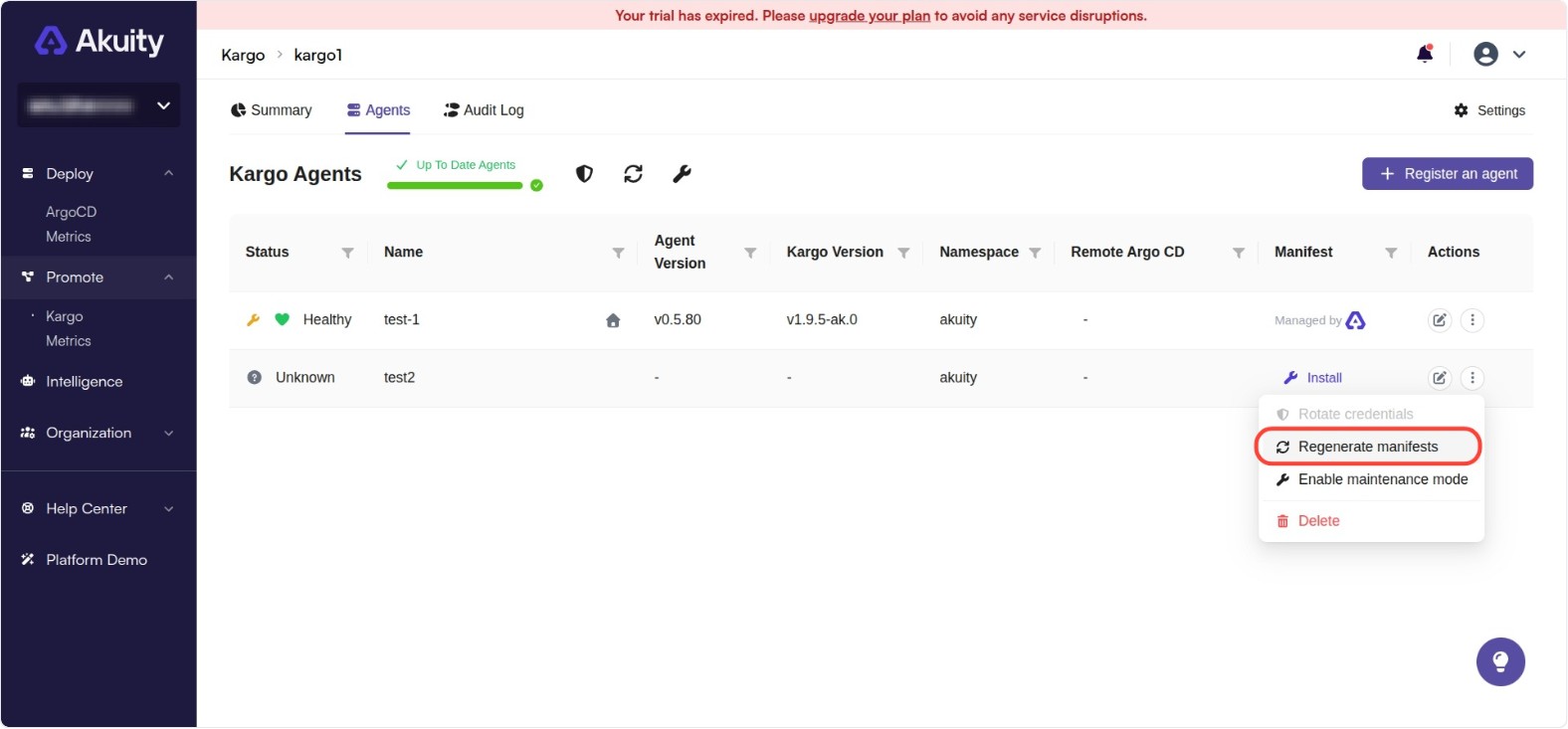
Regenerate Manifests
The Regenerate Manifests feature allows you to bump the agent generation, which triggers the agent to re-apply all manifests in the managed agent. This is useful when you need to force a refresh of the agent configuration or recover from inconsistent states.
You can regenerate manifests for a single managed agent or multiple at once.
-
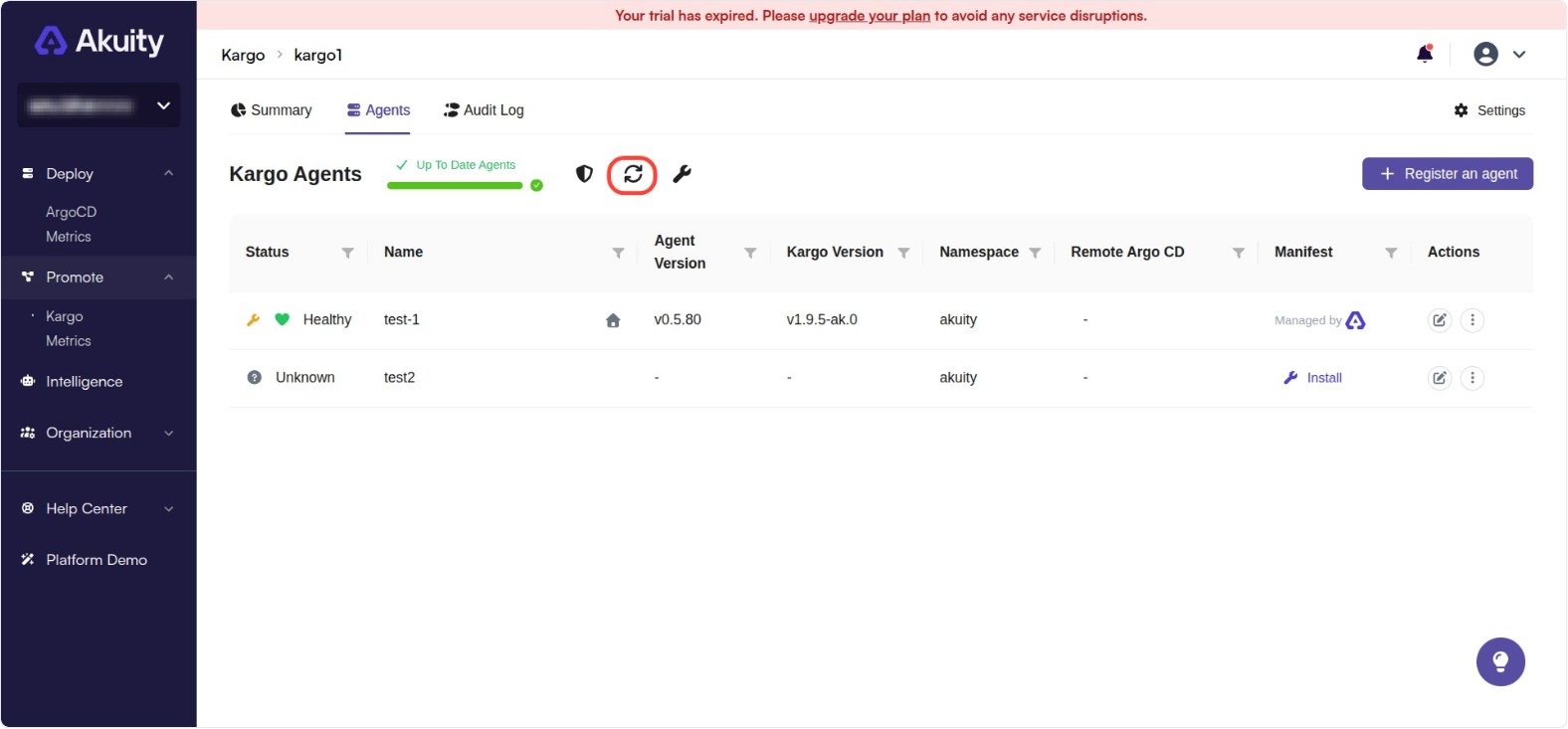
To regenerate manifests for multiple agents, go to your instance → Agents tab → click refresh icon above the agents table. Either select All Agents or Selected Agents and click on Regenerate.
-
To regenerate manifests for an individual agent, go to your instance → Agents tab → click on the three-dot button under Action column → Click on Regenerate Manifests → Click on Confirm.